 byob
A desktop AI coworker for the model you already run.
Point byob at llama.cpp, Ollama, LM Studio, vLLM or a hosted API. It works in a folder with you: reads and writes files, runs code, and builds spreadsheets, charts, documents and small apps beside the chat.
No bundled model, no account, no Electron. One native program for Linux, macOS and Windows.

What it does
Your model, your machine
Any OpenAI-compatible URL. On first run byob finds the servers already running on this computer and offers presets for hosted APIs. Models without native tool calling get prompt-based tools instead.
Work beside the chat
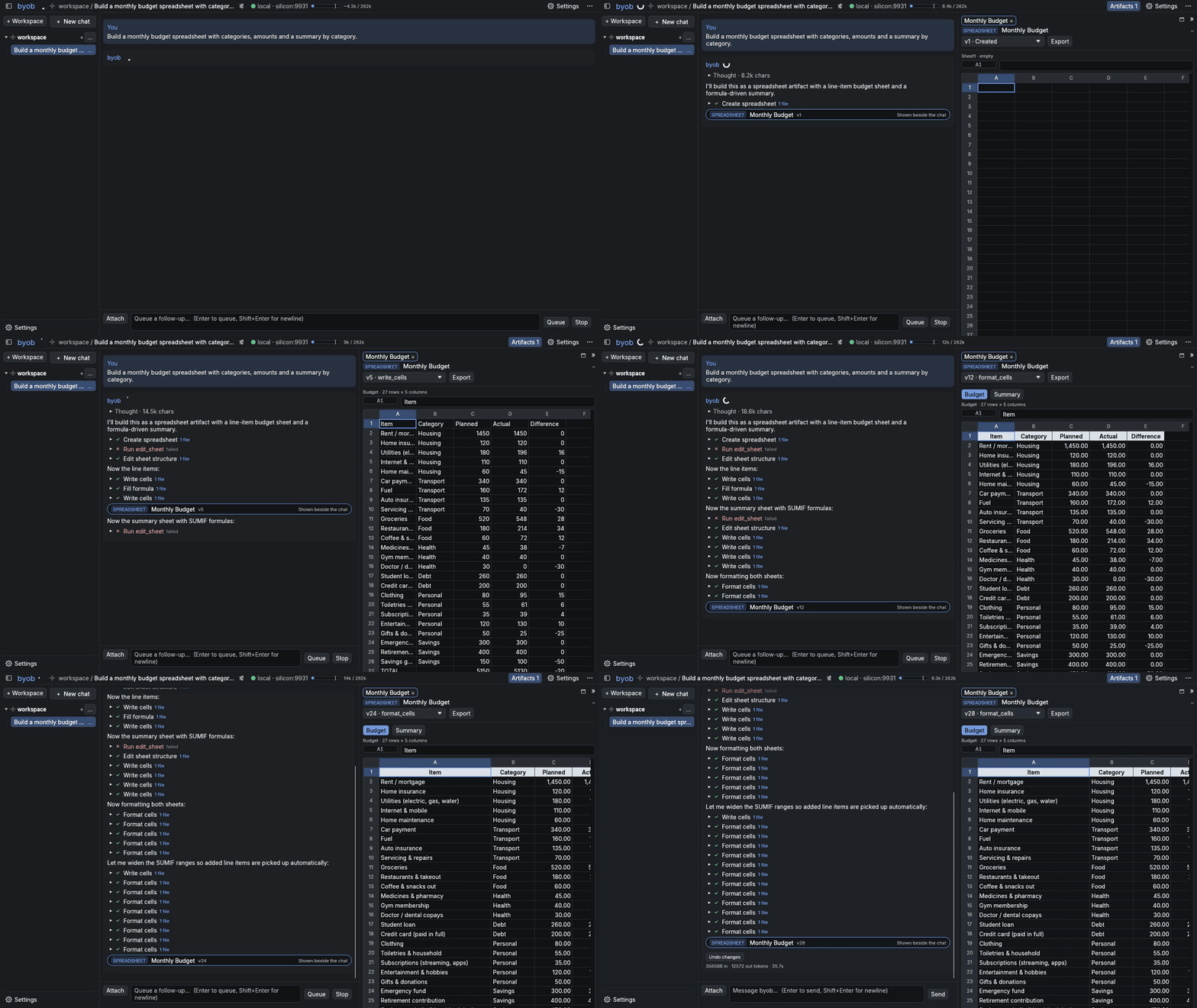
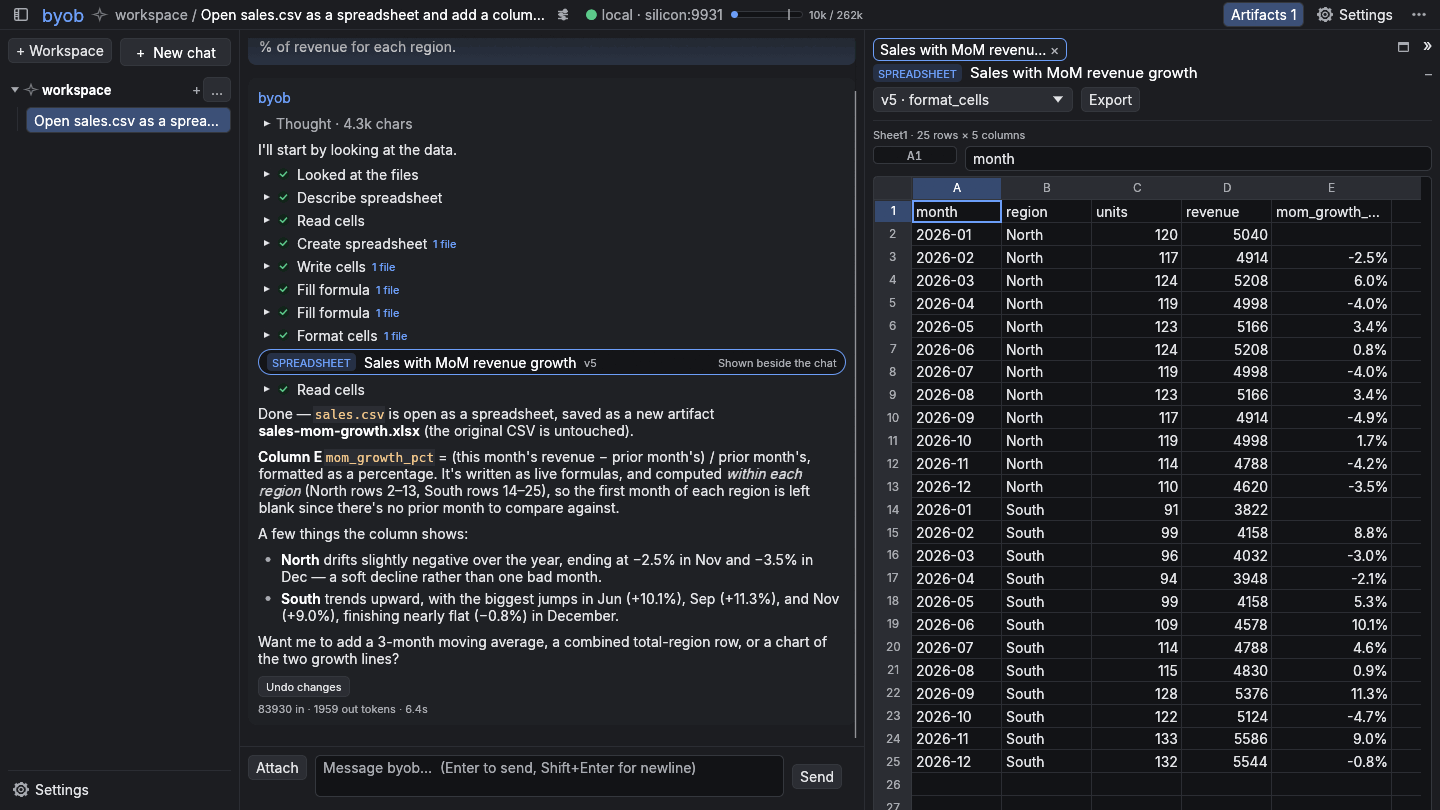
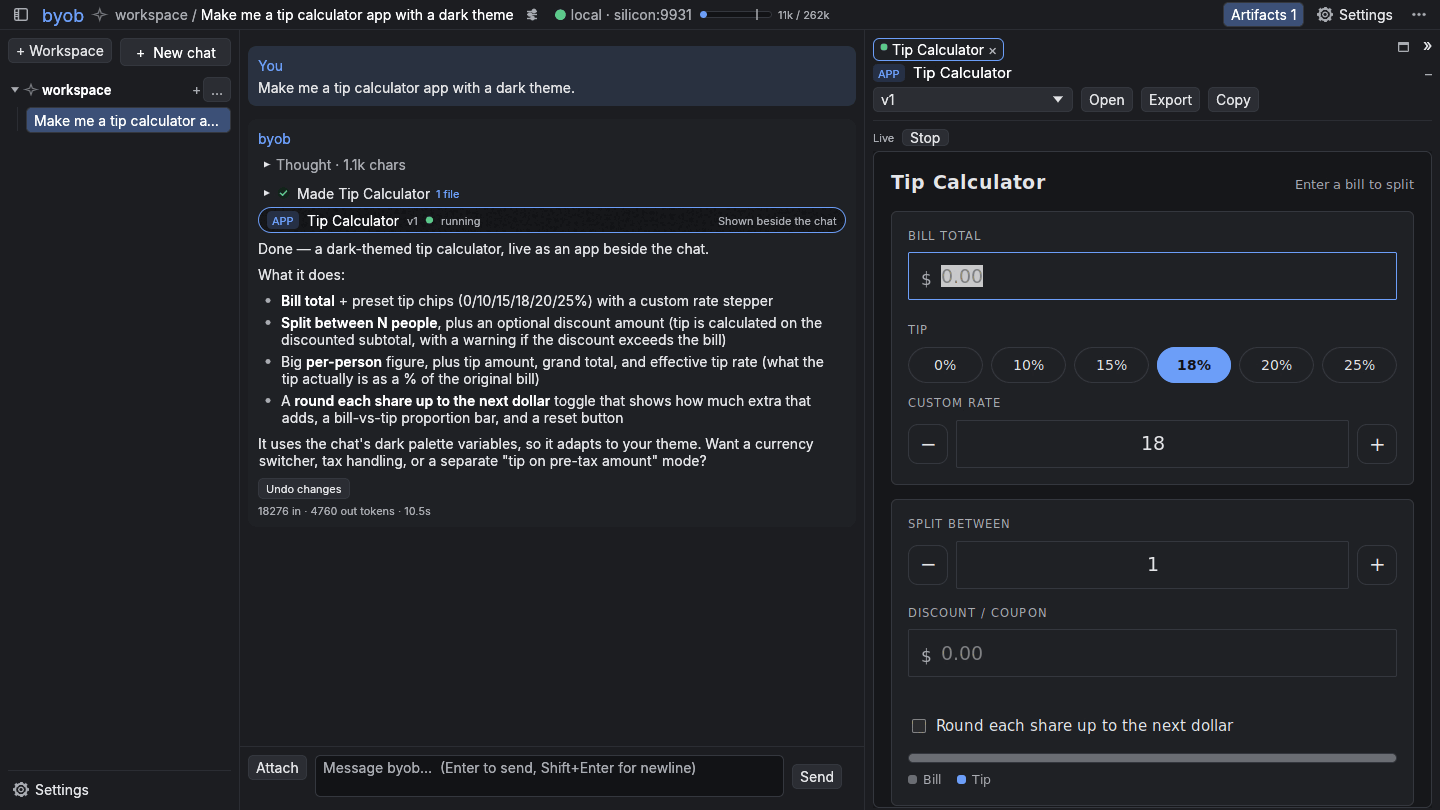
Spreadsheets (xlsx and csv), charts, Markdown documents, images and HTML apps open next to the conversation, each with its own version history.
Hands, on a leash
File tools, shell commands and Python, sandboxed on Linux. Approval cards show the diff before anything changes, and every turn can be undone.
Reads your stuff
PDF, Word and PowerPoint files, images for models that can see, the web, your mail over IMAP and your calendar over CalDAV. Notes it keeps across chats are plain Markdown.
On your phone too
The browser UI is the same app compiled to WebAssembly, live on the same session.
Put it behind tailscale serve and it follows you around.
Everything is a plugin
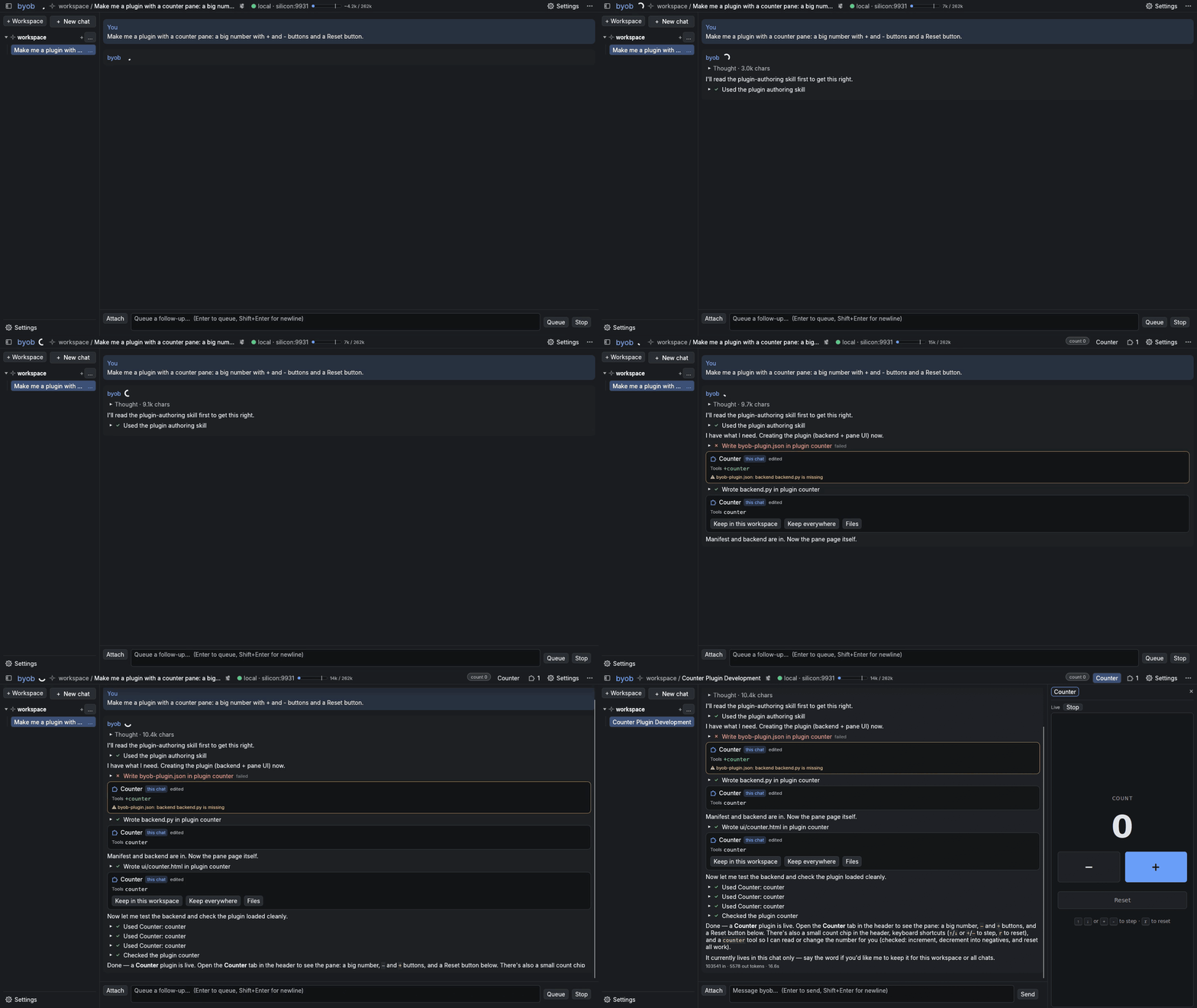
The prompt, the core tools, artifacts and subagents are plugins on the same API anyone gets. Ask byob for a new one and it writes it, reads its own errors and fixes them.
Works with the server you already have
- llama.cpp
- Ollama
- LM Studio
- vLLM
- OpenAI-compatible APIs
Install
Version 0.3.5. Each download has everything in it, about 60 MB. Slim builds without the browser UI and the HTML renderer are on the releases page.
macOS
byob isn't signed by an Apple developer yet, so macOS refuses it the first time. Try to open it once, then choose Open Anyway in System Settings → Privacy & Security. Or skip that by fetching it from a terminal:
v=0.3.5 t=aarch64-apple-darwin   # x86_64-apple-darwin on Intel
curl -L https://github.com/Scronkfinkle/byob/releases/download/v$v/byob-$v-$t.tar.gz | tar xz
./byob-$v-$t/byob
Linux
Unpack it and run byob. No GUI toolkit needed. With Nix:
nix run github:Scronkfinkle/byobFrom source
cargo install byobThis builds everything except the HTML renderer; without it, HTML apps open in your browser with one click.
Then point it at a model
On first run byob looks for servers on their usual ports (llama-server 8080, Ollama 11434, LM Studio 1234, vLLM 8000). Or say where yours is:
byob --inference-url http://localhost:8080/v1
BYOB_API_KEY=sk-... byob     # for a hosted API
byob --serve                 # also open it to browsers on http://127.0.0.1:7470